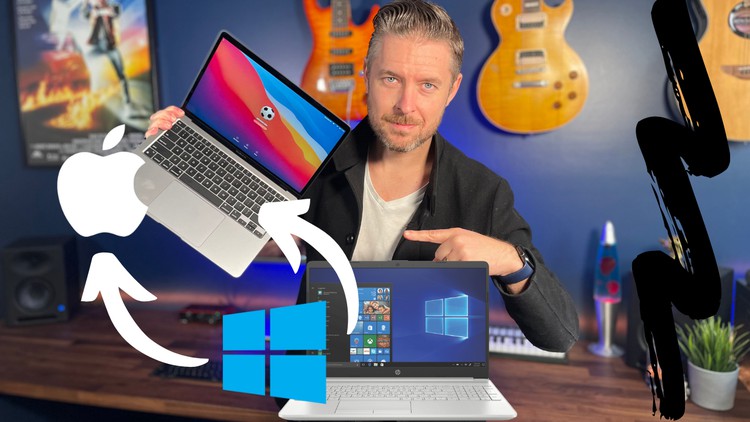
Switching from Windows to the Mac - Learning macOS

- Description
- Curriculum
- FAQ
- Reviews
So are you new to the Mac or thinking of switching over from Windows?
Want to know the differences between macOS and Windows?
We’ll help you get started, giving you an overview on all things Mac.
In this course we’ll cover
- Top Differences between Windows and the Mac
- How to Migrate from Windows PC to Mac
- What is a Mac and macOS
- Mac basics and how to navigate around a Mac
- How to perform basic functions on a Mac
- How to create multiple user accounts, so that you and your family/friends can enjoy the Mac
Do I need to be an expert?
No, this course is designed for people who may never have used a Mac before or are just getting started. You could also already be familiar with Windows and thinking about making the move.
What hardware or software do I need?
Having a Mac computer running macOS would be great, but it’s not essential. You could already have a Windows computer and thining about switching.
We’ll be demoing most features on macOS Big Sur and Windows 10, but if you have an earlier or later version of the macOS or Windows that’s fine, features are very similar.
Why this course?
This course will be easy to understand and follow. It’s also self paced, designed for you to go and try it yourself throughout your learning. It’s even better if you take this course on your Mac and follow along if you can.
You’ll soon start to see why so many people love Mac’s and why they are so popular.
Of course this is only the beginning of your learning journey, using your Mac more and more will help to learn more and more and will assist you in being more comfortable using your Mac.
-
4
 macOS Overview
What is macOS, let's have a brief overview.
-
5
The Desktop, Finder, Search, File Extensions
This video covers some keys fundamentals on the Mac. This video covers the Desktop, Finder, Search and File Extensions
-
6
The Dock
macOS is know for the Dock. This video will cover the basics on how to use the Dock, add/remove items from the Dock as well as changing the Dock.
-
7
Right Click + Copy/Paste
We'll show you how to right click on the Mac using both your Mouse and Track Pad.
Copying and Pasting files is very easy. The steps are very similar to performing this function in Windows.
-
8
App Management
How to use applications on the Mac. Installing, managing and removing apps.
-
9
Using iCloud & AirDrop
iCloud helps you sync and keep all your information and apps together.
Airdrop makes it easy to transfer files between other Apple devices.
-
10
Internet Browsers
Safari is the default browser on every Mac. You can also install Google Chrome, Firefox and others.
-
11
Email and Messaging
Using Email and Messaging apps on the Mac is easy. We'll look at the Mail and Outlook app, along with the Messages app on macOS.
-
12
Systems Preferences
Much like Control Panel on Windows, System Preferences is the area where you can customise your mac
-
13
User Accounts
Whether you are working on your mac by yourself or with family/friends, you can easily create multiple user accounts to manage login access.
-
14
Read and Write Windows (NTFS) Hard Drive on a Mac (Bonus)
When moving from Windows and Mac it's great to still be able to use and write NTFS formatted drives, let's look at that in this video.
Get Paragon NTFS - https://bit.ly/Paragon_NTFS
-
15
Protecting your data with encryption - Windows vs Mac (Bonus)
In this video we'll cover the steps on how to encrypt and protect your data by encrypting your hard drive. We'll look at how to do this on a Windows computer and also on a Mac computer.
-
16
Installing Windows 10 onto Mac (Bonus)
If you still want or need access to Windows, the great thing is that you can actually install it on your Mac!
This will only work for non M1 based mac's.