React.js - Let's build a Tic Tac Toe game.

- Description
- Curriculum
- FAQ
- Reviews
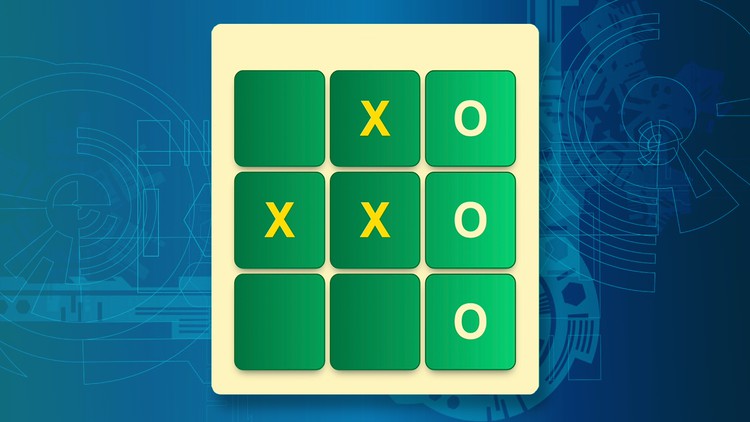
In this short 2 hour course you will build out a simple 2 player Tic Tac Toe game using React.js. This will be built from the ground up, starting with creating your own new React application. Then breaking a simple HTML / CSS template into reusable functional React components. Lastly you’ll also create and maintaining the necessary state needed for the game as well as writing the logic for calculating a win etc.
Please note: This course is not for beginners. And will not spend much time talking about the basics of React. So it is suggested that you have at least a little bit of knowledge before taking the course.
-
1
 Introduction
In this video I introduce the course. I also state who the course is intended for and who it is not intended for. Lastly I explain a little bit about myself.
-
2
Tools and Resources
In this video I we cover the tools and resources we need to do this crash course.
-
3
Creating our React application
In this video we look at how to create the React project needed to start making our game, and I explain specifically about the versions of React that should work with this project.
-
4
Adding our game template
In this video we go through the process of taking a simple HTML and CSS mock, and place it inside our React application and make it initially run.
-
5
Creating the game component
In this video we build our first main component to our game. The Game component. This will be thought of as our smart component, and contain all the state / interactivity in it.
-
6
Creating the board component
In this video we will break out the board that lives inside our game component into a component of its own. This is so we can control the creation and interactivity of the cells separately from the rest of the game requirements.
-
7
Creating the cell component
In this video we break out the cell from the board component so that in future videos we can handle each cells interactivity in the game.
-
8
Populating cell content
In this video we focus on the changes we need to make to our cell component so that it will display either an X, O or nothing at all.
-
9
Setting cell dynamic classes
In this video we look at how to add classes to our cell component dynamically based on if conditions etc
-
10
Creating cells from dynamic data
In this video we look at how to create a list of cell components dynamically, rather than listing them one at a time under each other.
-
11
Highlighting winning cells dynamically
In this video we set up the code necessary to track the winning combination and ensure that certain cells are highlighted when this winning combination is set.
-
12
Lifting game state
In this video we go through the process of lifting up state. Essentially this involves moving the dynamic data in the dashboard component and ensuring it's available at the game component and stored inside React state instead.
-
13
Configuring cell clicks
In this video we write the code to wire up a click event handler that will be used when a specific cell is clicked.
-
14
Populating cells on click
In this video we start writing the code to populate cells when you click on them.
-
15
Changing turns
In this video we add the logic needed to our game component that will allow us to keep track of who's turn it is, instead of it always being X's turn.
-
16
Prevent overwriting cells
In this video we fix a quick bug that currently allows users to overwrite cells that are already populated..
-
17
Creating the result modal component
In this video we build our last component. The result modal component. Which will be shown when the game is over.
-
18
Controlling modal display from the game.
In this video we write the logic that will trigger that result modal component, to indicate a game over.
-
19
Setting up game over state
In this video we set up the state information we need to keep track of whether the game is over or not, and make sure it's updated in the correct places in our game component.
-
20
Setting up the calculate winner function
-
21
Calculating a winner
In this video we focus on the most difficult part of our game. Writing the code necessary to determine if there is a winner on each cell click.
-
22
Calculating a tie
In this video, we extend our calculate winner function to handle situations where we could have a tie.
-
23
Showing the game's result
In this video we add the messages to the details section of our result modal based on the given game result.
-
24
Fixing the winning combinations
In this video we fix a quick bug that was introduced in an earlier video. Making sure that the winning combination is highlighted again.
-
25
Starting a new game
In this video we finish off our game, by making sure we can play it multiple times by adding the functionality for the start new game button.