Python GUI Programming With TKinter | Build 10 GUI Projects

- Description
- Curriculum
- FAQ
- Reviews
Tkinter is a Python binding to the Tk GUI toolkit. It is the standard Python interface to the Tk GUI toolkit, and is Python’s de facto standard GUI. Tkinter is included with standard Linux, Microsoft Windows and Mac OS X installs of Python.
As with most other modern Tk bindings, Tkinter is implemented as a Python wrapper around a complete Tcl interpreter embedded in the Python interpreter. Tkinter calls are translated into Tcl commands, which are fed to this embedded interpreter, thus making it possible to mix Python and Tcl in a single application.
There are several popular GUI library alternatives available, such as wxPython, PyQt, PySide, Pygame, Pyglet, and PyGTK.
The generic term for any of the building blocks that make up an application in a graphical user interface.
-
Core widgets: The containers: frame, labelframe, toplevel, paned window. The buttons: button, radiobutton, checkbutton (checkbox), and menubutton. The text widgets: label, message, text. The entry widgets: scale, scrollbar, listbox, slider, spinbox, entry (singleline), optionmenu, text (multiline), and canvas (vector and pixel graphics).
-
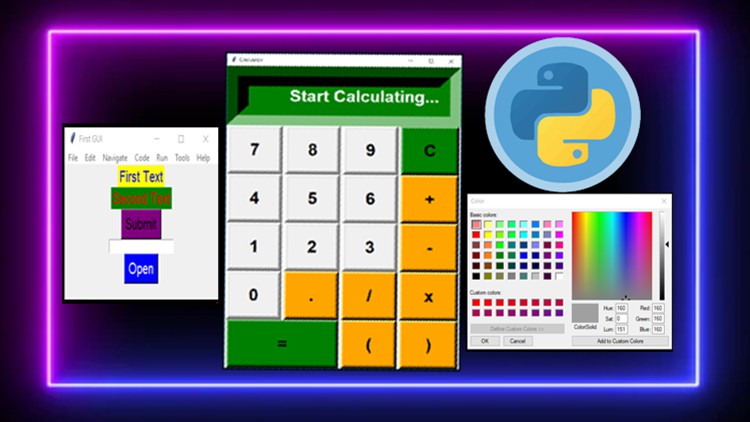
Tkinter provides three modules that allow pop-up dialogs to be displayed: tk.messagebox (confirmation, information, warning and error dialogs), tk.filedialog (single file, multiple file and directory selection dialogs) and tk.colorchooser (colour picker).
-
Python 2.7 and Python 3.1 incorporate the “themed Tk” (“ttk”) functionality of Tk 8.5. This allows Tk widgets to be easily themed to look like the native desktop environment in which the application is running, thereby addressing a long-standing criticism of Tk (and hence of Tkinter). Some widgets are exclusive to ttk, such as the combobox, progressbar and treeview widgets
The graphical user interface is a form of user interface that allows users to interact with electronic devices through graphical icons and audio indicator such as primary notation, instead of text-based user interfaces, typed command labels or text navigation. GUIs were introduced in reaction to the perceived steep learning curve of command-line interfaces (CLIs), which require commands to be typed on a computer keyboard.
The actions in a GUI are usually performed through direct manipulation of the graphical elements. Beyond computers, GUIs are used in many handheld mobile devices such as MP3 players, portable media players, gaming devices, smartphones and smaller household, office and industrial controls. Ref : wikipedia
-
1
 Introduction to Python GUI
 -
2
Your first Python GUI application
-
3
How to choose GUI sizes and positions
-
4
How to add labels to GUI window
-
5
How to change label positions
-
6
How to add button to your GUI application
-
7
How to add function to a button
-
8
How to create a text box
-
9
How to create multiple GUIs in one program