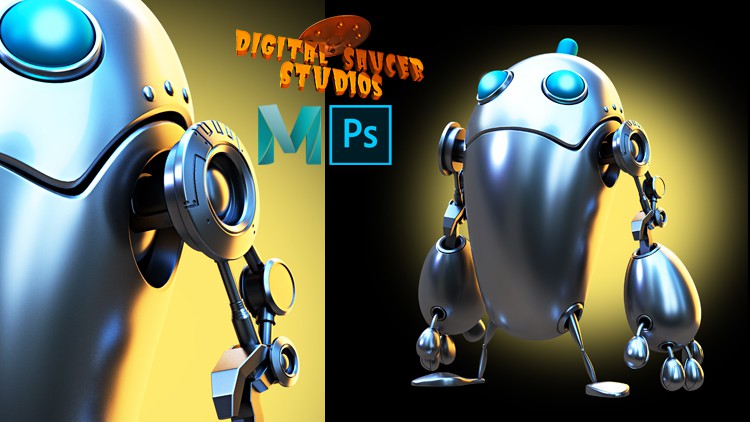
In this course you will lean how to create a robot character in Autodesk Maya.
Firstly, you will learn how to block out the character using a simple sphere.
Then you will learn how to use the QUAD DRAW TOOL. This tool is very powerful and it allows you to create polygons with a click of the mouse. This tool enables you to create any shape you like. It allows you to add more polygons, delete polygons, and add extra EDGE LOOPS. there is also a RELAX function that allows to space the polygons evenly, giving you a great looking model.
You will also learn how to create a DISPLACEMENT MAP. This map allows you to add extra details to the model without doing any extra modeling. The process is simple. Firstly, you will learn how to create UVs using the UV editor, then save the UV map to take into Photoshop.
In photoshop you will learn how to make the displacement map, then you will learn how to plug the map into the model for the final render.
Next, you will earn how to set up the lighting in Maya. You will learn how to use the SKYDOME light, and how to use a HDRI map, which is a high resolution texture map that acts as a light source.
Then you will learn how to create extra lights to create a more interesting lighting scenario, making your character look more cinematic and stylish.
Finally, you will learn how to set up the Arnold render so you can create beautifully rendered images.
Then afterwards, you will learn how to composite the image in Photoshop, and how to add extra details, like extra lights for the character’s eyes and a background that matches the lighting on the model.
This course teaches you all the principles of modeling, how to light efficiently, and how to use Maya effectively for your future modeling and lighting projects.