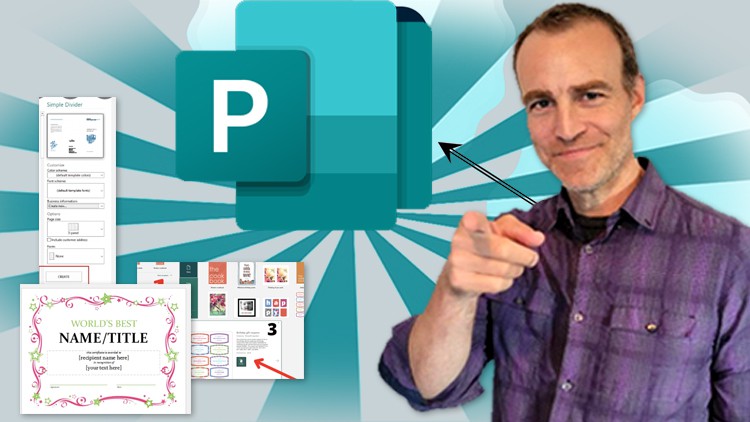
This is a very project based class covering all the tools you need to learn to be able master this incredible program. Publisher is easier to use than other programs but just as powerful! Create posters, newsletters, brochures, business letters, and more!
Publisher is a desktop publishing application that is easy to learn, yet robust and sophisticated enough to create complex publications.
What you’ll learn:
- Students will learn how to navigate the interface of Publisher
- Learn valuable keyboard shortcuts and how to customize the Publisher window.
- We explore creating a new document using templates and themes including fonts, colors, and preset templates to expedite your creative process.
- We cover master pages, which will help automate and expedite your process and make your documents more professional.
- Additionally, we do a deep dive into working with images and shapes and how to insert, edit, and enhance them to make your document more visually interesting.
- You will learn how to customize and personalize all of the templates and themes that Publisher offers
- We will work with the amazing pre-set graphics of Page Parts for off the shelf graphic arts ready for customization.
- We discuss the nuances of text boxes and how to customize the look, layout, and structure of text boxes, and how they work with your images.
- We also cover a variety of other topics such as hyperlinks, page borders, tables, audio, headers, footers, and much more
- Finally, you will learn how to publish and export your documents and make them ready for printing professionally.