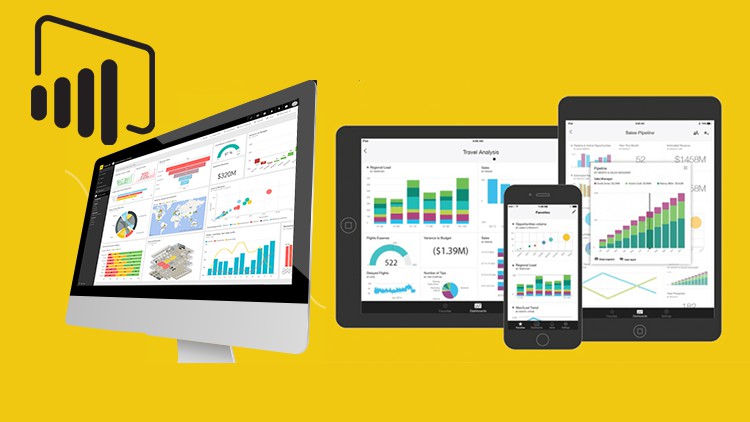
Microsoft Power BI Advanced Dashboard Full Practical Course

- Description
- Curriculum
- FAQ
- Reviews
If you are new to Power BI or you have been using Power BI before now and you just want to increase your knowledge about effective, interactive, and dynamic clean dashboards you are at the right place.
After learning with us we will teach you how to create your free portfolio to showcase your work to prospective employers across the world.
This course is fully a project base course built to help you create an outstanding dashboard.
After taking this course you will never create a basic Power BI dashboard again.
ABOUT THE COURSE:
Skills in data analysis, reporting and the creation of easy-to-use dashboards are HIGHLY valued in today’s business environment. Microsoft Power BI is now recognized as the leading Business Intelligence tool in the world for the development of interactive and dynamic reports, data analysis, and effective dashboards.
Join today and get immediate, lifetime access to the followings:
. Datasets for practice
. Downloadable Power BI project files
. Update of more new dashboard templates
. 1-on-1 expert support
. Course Q&A forum
As earlier said this course is a project-based course and you are going to play the role of a Lead Business Intelligence Analyst. In the course, you are going to work with different companies like sales and non-financial companies.
Get into the course and see how to play the role of an Analyst.
-
4
 Dashboard overview
 -
5
Getting Data
-
6
DAX for KPI Measures
-
7
Formatting Cards and adding Sparkline
-
8
Creating custom Template 01
-
9
Creating Custom Template 02
-
10
Creating a Guage Chart
-
11
Adding Caption using Variable
-
12
Income monthly trend and Slicer formatting
-
13
Filtering income from Expenses
-
14
Creating Alert icon in Power Point
-
15
Writing DAX to create Alert
-
16
General Dashboard formattings
-
18
Project brief
-
19
Dashboard overview
-
20
Loading and Transforming Data
-
21
Correcting Relationships in Model view
-
22
Creating a Date Table
-
23
How to change Folder Path and clear Errors in Power BI and Power Query
-
24
How to use Sumx Related and DateAdd for aggrigation
-
25
Creating KPI Cards
-
26
Formatting KPI Cards
-
27
How to create Power BI Custom Chart 01
-
28
How to create Power BI Custom Chart 02
-
29
How to create Power BI Custom Chart 03
-
30
Fix Error in the Custom BlankSpace
-
31
Custom chart Color formatting and Resizing
-
32
Custom Chart formatting and Titles
-
33
Custom Value formatting
-
34
How to insert up and down Arrow for conditional formatting
-
35
How to create a Folder inside a Measure Table
-
36
How to create Product Ranking 01
-
37
Using Whatif Parameter to control Top N
-
38
Dynamic Titles and chart formatting
-
39
Creating a Custom Template
-
44
Resume Dashboard Task
-
45
Dashboard overview
-
46
Load Data to Power Query
-
47
Tools and Skills rating 01
-
48
Tools and Skills rating 02
-
49
Creating a progress bar for Tools learned
-
50
How to recycle through Creating a progress bar for Tools learned
-
51
Filling the other bars
-
52
Adding descriptor
-
53
Creating chart for Skills Interest and Language
-
54
Creating a custom Template 01
-
55
Creating a custom Template 02
-
56
Formatting and Exporting custom Template to Power BI
-
57
Adding Portfolio Images to custom Template
-
58
Formatting and designs for work experience
-
59
Change custom Template and add Animated Icons
-
60
Adding Company worked for
-
61
Changing dashboard colors
-
62
How to add Tooltips Images and Icons
-
63
How to add web link or URL in Power BI
-
64
Inserting Tooltips
-
65
Project Brief
-
66
Dashboard overview
-
67
How to have all imported charts display in this Section
-
68
Importing data to Power Query for cleaning and transformation
-
69
Table arrangement for Relationships
-
70
Understanding Relationships
-
71
Creating a Date or Calendar Table
-
72
Creating Relationships between Dates and sorting
-
73
How to hide Tables in Power BI
-
74
Dashboard development process
-
75
Creating a measure Table
-
76
Custom visual Variance calculations
-
77
Daily Revenue vs Target
-
78
Gross Profit and % of Margin
-
79
Line chart for Gross profit & Margin
-
80
Top selling Products and Brands
-
81
How to use a Bullet Chart by OKVIZ
-
82
Dashboard Formatting
-
83
Creating a Custom Template 01
-
84
Creating a Custom Template 02
-
85
Dashboard colors formatting 01
-
86
Dashboard color Formatting 02