
Learn Expert Video Editing using KineMaster App
Become a Pro in Video Editing

- Description
- Curriculum
- FAQ
- Reviews
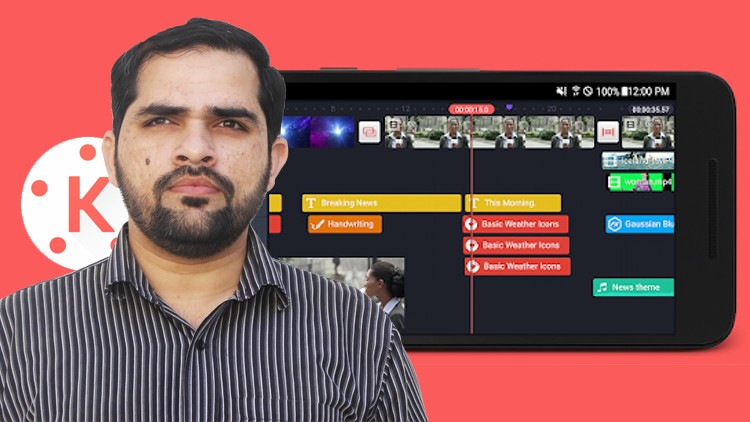
KineMaster is, by far the most advanced video editing app available on both iOS and Android. The revolutionary app has made it easy to cut, edit footage, mix audio and background music, remove green (chroma key) from the video and put anything behind you. It gives you all the tools which a professional editing software on PC and Mac offers. In this course, you will be able to learn how to use it’s tools, how to cut and edit footage, apply filters, remove green screen from the background, add title and media etc.
VIdeo Editing on KineMaster
Conclusion
-
2
 Introduction To KineMaster App and its interface
 -
3
Importing footage and things to do with it
-
4
Add Color Correct Effect upfront on your clip
-
5
Learn Cutting The Footage
-
6
Import B-Roll and Use of Tools
-
7
Add Title To The project
-
8
What Is Overlay in KineMaster and How It Works
-
9
Handwriting Feature In KineMaster App
-
10
Remove Green Background From Video Using Chroma Key Feature In KineMaster App
-
11
Add Music/Audio track to the timeline
-
12
How To Export Video in KineMaster
How long do I have access to the course materials?
You can view and review the lecture materials indefinitely, like an on-demand channel.
Can I take my courses with me wherever I go?
Definitely! If you have an internet connection, courses on Udemy are available on any device at any time. If you don't have an internet connection, some instructors also let their students download course lectures. That's up to the instructor though, so make sure you get on their good side!
Stars 5
56
Stars 4
57
Stars 3
50
Stars 2
14
Stars 1
8
Course details
Video
1 hours
Full lifetime access
Access on mobile and TV
Popular courses



