Have a question?
Message sent Close
4.3
66 reviews

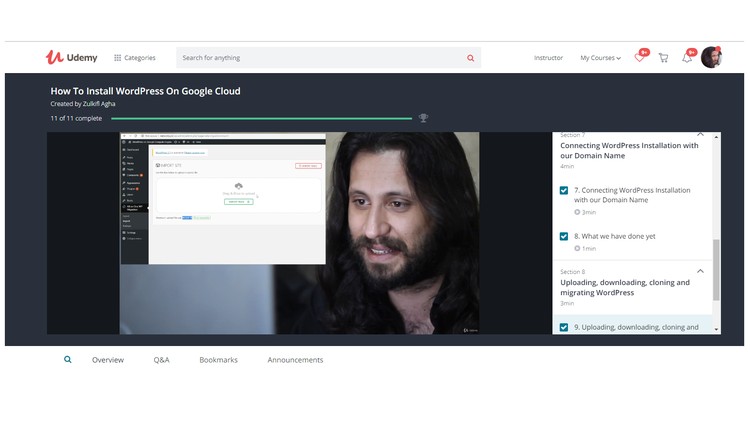
How To Install WordPress On Google Cloud

Step by step tutorial on How To Install WordPress On Google Cloud Platform - Host to Install WordPress Multi Site on GCP
Instructor
Zulkifl Agha
6,070 Students enrolled
  • Description
  • Curriculum
  • FAQ
  • Reviews
  1. Create a Free Account on Google Cloud Platform

    • In this section we will learn to configure a free Google Cloud Platform account

  2. Installing WordPress on Google Compute Engine using Google Click to deploy

    • In this section you will learn to Install WordPress on Google Compute Engine using WordPress Google Click to deploy

  3. Create External IP Address for WordPress Installation

    • In this section we will learn to configure a an External IP Address for your WordPress Installation

  4. Creating DNS – Domain Name Servers in Google Cloud Platform

  5. Connecting Google Cloud DNS with Domain Name Registrar’s DNS

  6. Connecting WordPress Installation with our Domain Name

  7. Uploading, downloading, cloning and migrating WordPress

  8. WordPress Issues solved & Finalizing Installation

    • Restoring old WordPress

    • Solving issue “File not found”

    • Provide permissions to WordPress

    • Update Database

    • Change WP Admin credentials using PHPmyadmin

    • Regenerating  Htaccess

  9. How To Install WordPress On Google Cloud

  10. How to earn some $$$ Using What you learned in this Course.

Create a Free Account on Google Cloud Platform
Installing WordPress on Google Compute Engine using Google Click to deploy
Creating DNS - Domain Name Servers in Google Cloud Platform
Connecting Google Cloud DNS with Domain Name Registrar's DNS
Connecting WordPress Installation with our Domain Name
WordPress Issues solved & Finalizing Installation
How long do I have access to the course materials?
You can view and review the lecture materials indefinitely, like an on-demand channel.
Can I take my courses with me wherever I go?
Definitely! If you have an internet connection, courses on Udemy are available on any device at any time. If you don't have an internet connection, some instructors also let their students download course lectures. That's up to the instructor though, so make sure you get on their good side!
4.3
66 reviews
Stars 5
24
Stars 4
25
Stars 3
15
Stars 2
0
Stars 1
2
14262
Course details
Video 1 hours
Full lifetime access
Access on mobile and TV

External Links May Contain Affiliate Links read more

Join our Telegram Channel To Get Latest Notification & Course Updates!
Join Our Telegram For FREE Courses & Canva PremiumJOIN NOW