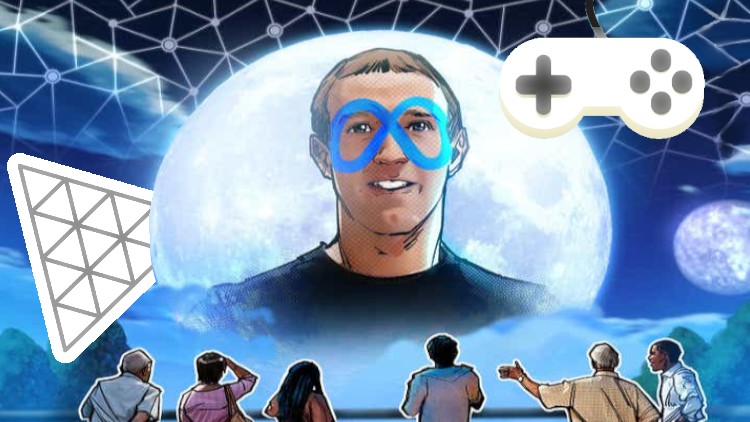
How to create a Metaverse on the web with THREE.JS

- Description
- Curriculum
- FAQ
- Reviews
This is a faster course you can imagine where you will need JavaScript programming required skills to benefit more.
You will learn how to create a basic metaverse.
In this three.js course the student will learn how to design a Game as a Metaverse, how to code it in JavaScript and how to deploy it on Internet for free.
The teacher will cover every step in detail (but not deeply) to guide the student in this journey and will offer sources to download to make the practice easy and understand the concepts shown in this course. Allowing the student follow the instructor examples.
The course teach how to make a Game Design and its main parts to create a Game superficially. Some topics that the game design will include are: User Interface Development (UI), Landing Page (Presentation) , Instruction Page (Instructions), how entertain the player with rewards and punishments.
To achieve these goals the student will:
-
Write code using EcmaScript6 Modules, witch is a version of a modern JavaScript, using Visual Studio Code, witch is an IDE (Integrated Development Environment), to write the code,
-
Create a characters controller to move the character, using JavaScript classes in an Object Oriented Programing,
-
Deploy the source code in a real server (github pages) publishing the game in a website with no cost.
The student will need just a computer with a browser and internet access to upload the game and to create and use an account on Github.
At the end of this course ever student will can show his own 3D Game on internet.
Warning: This course is fast and intensive. JavaScript programming experience is required.
-
1
 3D Basis
 -
2
Demo, Three.js project (final example)
This is the final result of the project we will develop along of this course
-
3
 The source code
 -
4
 What about the example?
What do you remember about the example
-
5
Object3d
A 3D object is a special object that will be inherited by many other elements in 3D development that will allow them to use shared functionality such as position, rotation and scale.
-
6
Object3d Quiz
-
7
Vector3
The vector3 is an special type of element very used on the 3d development. We will teach some features of it.
-
8
What about Vector3
Things you have to know about a vector3
-
9
Box (geometry + material = mesh)
-
10
How to create a box in a 3d world
Relevant basic information about mesh building
-
11
Camera (PerspectiveCamera)
-
12
What about the camera?
Here we will check some facts that helps you find the way to create a camera into a three.js project.
-
13
Scene
-
14
What about the Scene?
We will ask about what do you understand about the objects3d and its implies on the scene. And how to prepare our first scene.
-
15
Renderer
-
16
What is the renderer for?
The renderer is a system that make all the magic for us.
-
17
Lights in three.js library
-
18
What about lights on three.js projects
How to implement ambient light and directional lights into a three.js project
-
19
Lesson 1 Summary
-
20
What is Game Design
-
21
What about Game Design?
The main concepts of the game design
-
22
Landing Page
-
23
Landing page questions
What we will find in a landing page
-
24
Game Instructions
-
25
How we have to make instruction into a game
What is key to make instructions.
-
26
How to win
-
27
How to win
How to win
-
28
How to lose
-
29
How to lose
How we can make the player lose.
-
30
Lesson 2 Summary