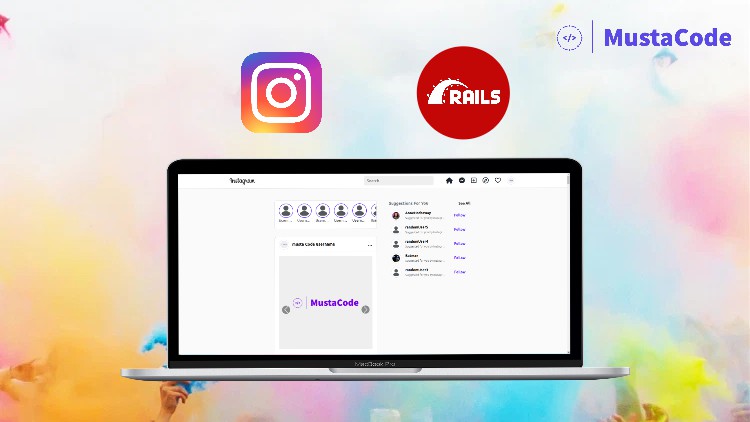
How To Build Instagram Clone Using Ruby on Rails 7

- Description
- Curriculum
- FAQ
- Reviews
At first let’s speak money…
Ruby on Rails Web Developer average salaries by city as of January 2020 (according to Glassdoor):
New York – $95,000/yr, Boston – $97,000/yr, San Francisco – $100,719/yr
So, Need more reasons on “why Ruby on Rails?”
You’ll learn how to build your own Instagram or any social media web application using one of the most powerful and easy frameworks available… Ruby on Rails <3.
We will use the following during our journey:
-
Ruby on Rails Framework
-
Bootstrap Library for Styling
-
Fontawesome Library for Icons
-
FileBond Library for Uploading images
-
Active Storage for Image Uploading
-
Devise Gem for Authentication
What are the requirements?
-
Basic understanding of the Ruby on Rails framework
-
Basic knowledge of HTML & CSS
-
Have Ruby on Rails Installed on your machine
What am I going to get from this course?
-
Building a complete Instagram clone using Ruby on Rails 7
-
Practice working with Bootstrap components and classes
-
Installing Devise
-
Adding Users with Devise
-
Implementing authentication easily with Devise gem
-
Solve Devise integration problems with Ruby on Rails 7
-
Handling Authorization
-
Work with font-awesome to add icons
-
Handle complex database relationships
-
Build Like Functionality
-
Build Commenting System
-
Build Follow System for any Social Media Application
-
Suggesting users follow based on specific metrics
-
Listing posts as feeds list in the home page
-
Uploading images with preview and Drag-Drop using FileBond Javascript library
-
Building Real-Time searching functionality
-
Creating a User Dashboard
-
Creating a Scaffold
-
Resources in Rails
-
Forcing People to Log In