
New
Flutter 3.0 & Rest API from scratch, build a mini Store app
Flutter 3.0 & Rest API integration from scratch, build a Store app

- Description
- Curriculum
- FAQ
- Reviews
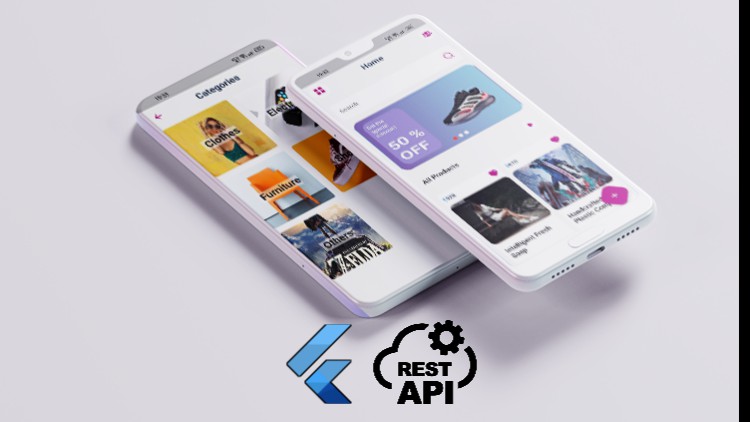
This course covers making a functional app for Android in portrait mode. Moreover, it also covers how to integrate the Rest API in a Flutter application.
The course mostly focuses on the REST API integration in Flutter
Course prerequisites:
- Basic knowledge in programming to get started
- Basic knowledge of Flutter and good knowledge is recommended
How this course can be of help:
- Gaining more knowledge in Flutter and Rest API integration
- HTTP requests
- JSON serialization
- On scroll Pagination
- Error Handling
- Clean and Clear design
What’s in the course:
- Complex UI has done simply
- Simple Provider State management
- Clean code and avoid Boilerplate code
- Navigation & Custom navigation
- Animated Navigation
- Managing and updating packages
- ListViews and multiple UI states
- How to understand Flutter Mobile Development by building apps incrementally.
- How to design, build, and debug Flutter apps
- How to develop robust apps with Flutter
- Theming
- Flutter general AppBar
- Flutter Material Design
- Flutter Row and Column
- Flutter ListView Builder
Course structure:
approximately 3 hours of content and updated regally
Requirements:
- Windows application development OR Mac application development
- Access to a computer with an internet connection.
- and you are ready for the journey
- love learning about applying cutting-edge algorithms to practical cases!
What Should I Expect After this Course?:
- The ability to build functional apps
- New information regarding Flutter And API integration
Note that the course builds on windows, so I didn’t have a chance to cover the IOS configurations! But feel free to ask anything about it. I will be there to help.
Implement the UI part
Rest API integration
-
10
 lock device orientation
 -
11
Setting up the application theme and structure
-
12
Implement the appBar in the Home screen
-
13
Implement the Search text field
-
14
Implement the carousel widget design
-
15
Imeplement the Swiper widget
-
16
Implement the product widget design
-
17
Impelement the Products GridView
-
18
Implement the all products screen
-
19
Implement the produt details screen
-
20
Implement the Categories screen
-
21
Implement the users screen
-
22
 Full source code until this section - UI part on Github
Extra
-
23
What is Rest API
-
24
The API that we will use
-
25
Test the API Using postman
-
26
Convert the Json to a dart class Model
-
27
Start integrating the Rest API in our app
-
28
Fetch and display the products on the screen
-
29
Improve the code written to show the products on the screen
-
30
Use the provider state management to display the products
-
31
9- Fetch and display the categories on the screen
-
32
Fetch and display the users on the screen
-
33
Display the correct product details in the details screen
-
34
Errors handling
-
35
on Scroll Pagination
How long do I have access to the course materials?
You can view and review the lecture materials indefinitely, like an on-demand channel.
Can I take my courses with me wherever I go?
Definitely! If you have an internet connection, courses on Udemy are available on any device at any time. If you don't have an internet connection, some instructors also let their students download course lectures. That's up to the instructor though, so make sure you get on their good side!
Stars 5
27
Stars 4
10
Stars 3
3
Stars 2
3
Stars 1
2
Course details
Video
3 hours
Lectures
5
Certificate of Completion
Full lifetime access
Access on mobile and TV
Popular courses



