
Excel Conditional Formatting from Basics to Formulas- SMASH!
Learn all about Conditional Formatting. From Beginner Level to Formula/Function Based Advanced Exercises

- Description
- Curriculum
- FAQ
- Reviews
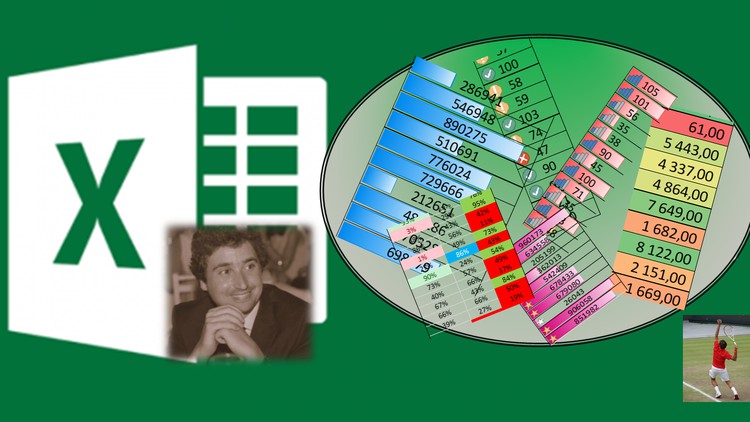
This course is about automatically formatting your Data with Colors, Icons, Bars (and more) using the Conditional Formatting feature of Excel.
The student will learn Conditional Formatting from the very basics to formula use within the tool. Most of the topics on conditional formatting are covered: basic formatting (Equal, Greater than, Smaller than etc.), formatting with text, etc. We also cover Data Bars, Icon Sets and Color Scales. Finally a good portion of the course is dedicated to formula use within the conditional formatting.
Format Only Cells That Contain (Values Greater/Equal/Smaller/Between/Text)

Format Cells Based on their values (Data Bars, Color Scale, Icon Sets)
Top/Bottom Values
Above/Below Average & Unique/Duplicates
Conditional Formatting Using Formulas
Final Series of Exercises (includes Vlookups, Countifs, Match..)
SMASH IT - Dare Exercise (Removing Duplicates, Using LEN and Substitute)
How long do I have access to the course materials?
You can view and review the lecture materials indefinitely, like an on-demand channel.
Can I take my courses with me wherever I go?
Definitely! If you have an internet connection, courses on Udemy are available on any device at any time. If you don't have an internet connection, some instructors also let their students download course lectures. That's up to the instructor though, so make sure you get on their good side!
Stars 5
73
Stars 4
26
Stars 3
10
Stars 2
1
Stars 1
1
Course details
Video
2 hours
Certificate of Completion
Full lifetime access
Access on mobile and TV
Popular courses



