Creative Coding Deep Dive for Beginners

- Description
- Curriculum
- FAQ
- Reviews
Making beautiful things with code can be easy if you take it step by step. Let’s explore creative coding and discover what can be done by combining different drawing and animation techniques.
Knowledge is power. That’s why we will use just basic programming principles—functions, arrays, and for-loops—and plain vanilla JavaScript, no frameworks and no libraries. I will explain every line of code as we create multiple animated projects. Being able to fully understand how the code works will allow us to gain complete control over the code, and we can make it do whatever we want it to.
Let me show you how to draw a simple line, animate it, and then turn it into more and more complex effects as we add more techniques to our creative coding toolkit, one by one.
Discover the secrets of creative coding today. The biggest secret is that it’s actually much easier than you think to create complex, beautiful animations. You just have to take it step by step. Everything makes sense if you break the process down into individual parts.
Section 1:
In the first beginner-friendly block, we will learn how to draw shapes on canvas and how to animate them, turning them into animated spirals, rainbow lightning bolts, and random scribbles.
Sections 2, 3, and 4
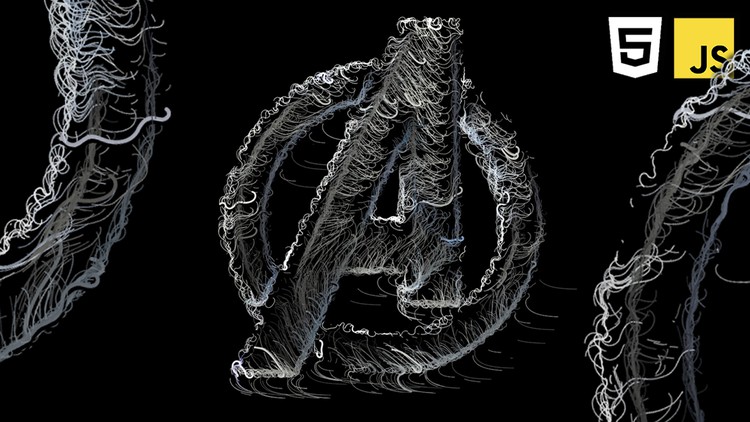
If you already understand the basics of drawing on an HTML canvas, you can skip directly to Section 2, where I start the main course project from scratch. We will create an animated flow field, experiment with it, and make it bend around text and images.
Have fun!
-
2
 HTML & CSS setup
 -
3
JavaScript setup
-
4
How to draw rectangles
-
5
How to draw lines
-
6
Object oriented programming
-
7
Dynamic colors with HSL
-
8
Randomized line art
-
9
Drawing multi-segmented lines
-
10
Animating lines
-
11
Rainbow lightning storm effect
-
12
Linear gradients
-
13
Radial gradients
-
14
How to fill shapes with a pattern
-
15
Improve your effects with shadows
-
16
Trigonometry
-
17
Chaos scribbles effect
-
18
What is a flow field
-
19
HTML canvas setup
-
20
Drawing shapes on canvas
-
21
Object oriented programming in JavaScript
-
22
Drawing particle systems
-
23
Animating particle systems
-
24
Drawing lines and trails
-
25
Motion patterns with trigonometry
-
26
Creating a vector field
-
27
How to create a flow field
-
28
Flow field experiments
-
29
Grid and debug mode
-
30
Randomized colors
-
31
Responsive design
-
32
Experimenting with flow field patterns