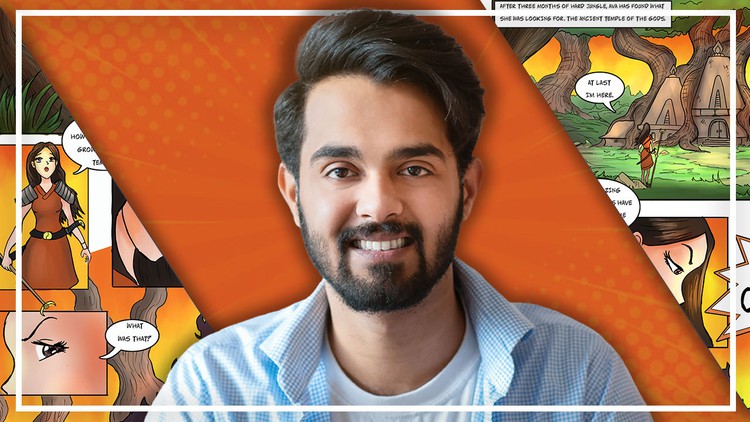
Complete Comic Book Creation Megacourse: Beginner to Expert

- Description
- Curriculum
- FAQ
- Reviews
Learn Comic Book Creation!
Have you ever wanted to create your own comic book? In the era of digital media, we see hundreds of comic books and characters that are actually produced on a software like Photoshop. Maybe you have an idea for a story and want to start designing the characters in anime style and design their costumes, or perhaps you want to learn to draw in 3D and create amazing backgrounds. Whether you’re a hobbyist artist or hoping to make a career out of it, making comic books isn’t only for the pros. You can take any idea from sketch to a final comic page -and we’re here to teach you how.
In this course, you’re going to learn everything about digital drawing and painting in Photoshop, from shape designing to rendering, creating cartoon characters, perspective drawing and finally to getting your own comic book page finalized. You’ll even learn the different ways Japanese artists draw characters, mainly focusing on the faces.
Our instructor has years of experience not only in comic book creation, but also in teaching and the expertly crafted syllabus is designed to be easy to follow and thorough. We’ve even included plenty of examples explained and created on-screen for you to study. That’s why this is the only Comic Book Creation course you’ll ever need to create awesome digital art and draw like a pro!
Start sketching today!
After taking this course, you will be able to:
-
Create digital art from scratch
-
Draw and design your own characters like a pro
-
Use the tools and elements in Photoshop to create your comic book
-
Create backgrounds for your characters
-
Draw characters performing different actions