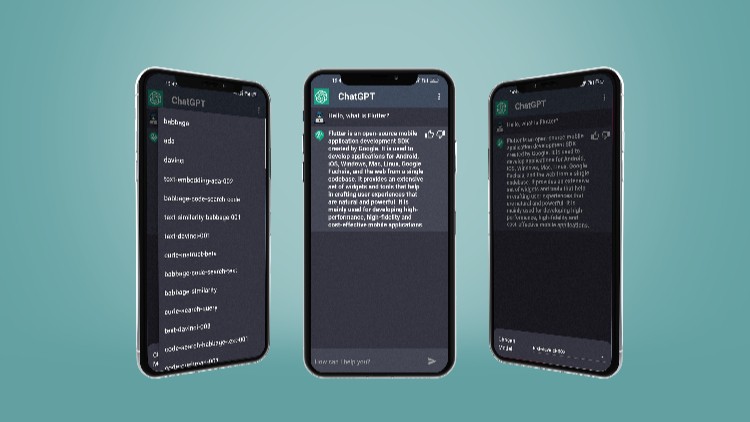
Build ChatGPT App in Flutter using OpenAI API

- Description
- Curriculum
- FAQ
- Reviews
Important NOTE: This course is not a data science course, this course is relying on the OpenAI API which is the App that created ChatGPT.
This course covers how to integrate the Rest API in a Flutter application.
The course mostly focuses on the REST API integration in Flutter
Course prerequisites:
-
Basic knowledge in programming to get started
-
A basic understanding of Flutter and good knowledge are recommended
How this course can be of help:
-
Gaining more knowledge in Flutter and Rest API integration
-
Building a ChatBOT App
-
HTTP requests
-
JSON serialization
-
Automatic list scrolling
-
Error Handling
-
Clean and Clear design
-
The minimum amount of code, with Provider state management
What’s in the course:
-
Provider State management
-
Clean code and avoid Boilerplate code
-
Managing and updating packages
-
ListViews
-
Theming
-
Flutter general AppBar
-
Flutter Material Design
-
Flutter ListView Builder
Course structure:
approximately 3 hours of content and updated regally
Requirements:
-
Windows application development OR Mac application development
-
Access to a computer with an internet connection.
-
and you are ready for the journey
-
love learning about applying cutting-edge algorithms to practical cases!
What Should I Expect After this Course?:
-
The ability to build functional apps
-
New information regarding Flutter And API integration
Note that the course builds on windows, so I didn’t have a chance to cover the IOS configurations! But feel free to ask anything about it. I will be there to help.

-
15
 Explain the API documentation and test it using Postman
 -
16
Write a Function to get the model repsonse
-
17
Implement the Models model class/enhance the previous function/ Errors Handling
-
18
Start displaying the all Models using FutureBuilder
-
19
Implement the Models provider
-
20
Implement the chats model and allow the user to send a message
-
21
Start displaying the sent/received chats on screen
-
22
Scroll the chat List to the end
-
23
Animate the bot response like chatGPT
-
24
Implement the Chat Provider
-
25
Show the error, and not allow the user to send an empty message