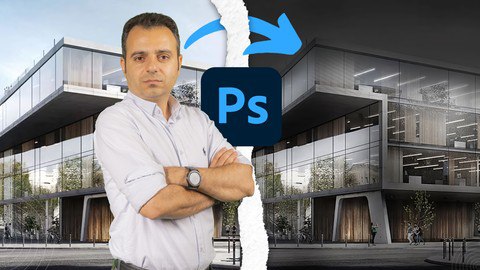
In this course, you will learn how architectural designers bring raw renders, plans, and diagrams to life through professional Photoshop post-production techniques.
You will practice real methods used in visualization studios to transform ordinary renders into polished presentations.
Throughout the course, you will focus on Presentation, Sheet Layout, 3D Plans, Diagram Design, and Lighting Skills that elevate your architectural work from basic to professional.
Headlines:
Photoshop 2026 Fundamentals & Essential Settings – Complete Workflow for Architectural Visualization
Lighting Techniques & Day-to-Night Rendering – Advanced Methods for High-Detail Architectural Results
Rainy Scene Presentation in Adobe Photoshop – Expert Techniques for Atmosphere & Realism
Snowy Scene Presentation in Photoshop – Complete Weather Effects for Architectural Renders
Material Creation & Texture Development – High-Quality Surfaces for Professional Visualization
Exterior Post-Production in Adobe Photoshop – Complete Enhancements for Outdoor Architectural Scenes
Interior Post-Production in Photoshop 2026 – Advanced Retouching for Indoor Spaces
Plans, Sections & Landscape Presentation – Detailed Architectural Graphics in Photoshop
3D Floor Plan Modeling & Rendering – Complete Post-Production for Three-Dimensional Plans
Architectural Diagram Design – High-Clarity Visual Communication Techniques
Sheet Layout & Presentation Composition – Professional Workflow for Architectural Sheets
AI Tools for Architectural Visualization – Powerful Enhancements for Faster, Smarter Post-Production
If you’re ready to upgrade your presentation skills and learn real post-production workflows used in architectural studios, enroll in the course right now.
If you have any questions during the lessons, ask me anytime — I offer 24/7 support, and I will guide you step by step so you can become confident and professional in architectural presentation.