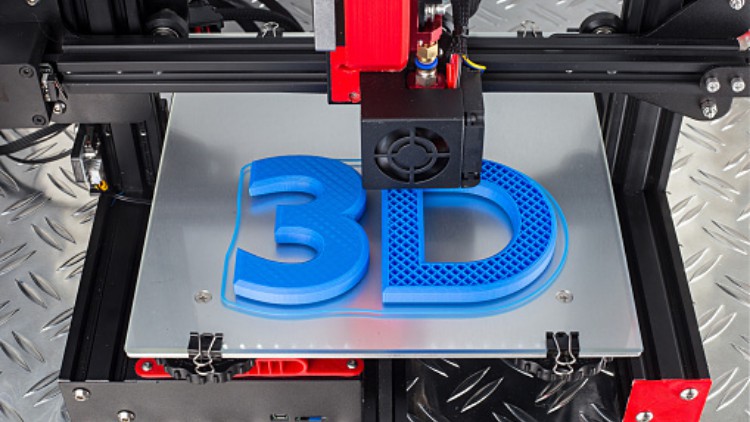
3D Printing Start to Finish with TINCARCAD & CURA Software's

- Description
- Curriculum
- FAQ
- Reviews
Welcome to the world of 3D printing. In this 3D printing course we’ll be going over the basics of the 3D printing world. This course is designed for beginners and experienced to gain an understanding of how a 3D printer works, and the process of going from a blank 3D design to a full physical print out.
Buying your first 3D printer is a big investment and it’s a good idea to really learn what you’re getting in to. It would be smart to first find out how the entire process works before you make a purchase. Like how it goes from a digital file to a full physical object.
Imagine if you could press “print” and then everything you’d ever need would be created. I mean EVERYTHING. Well, this isn’t science fiction completely.. it’s almost 100% possible thanks to 3D Printing.
3D Printing, or additive manufacturing, is a way to build real objects using a three dimensional electronic robot/device based off using 3D CAD models (computer aided drafting). The technology is still in early stages but it’s quickly becoming the best way for anyone to make prototypes and cool objects that wouldn’t have been possible ever before.
Taking this course will empower you to design your own 3D models in a systematic way for various engineering application by learning the software and hardware of the additive manufacturing implementation.
Learn how to prototype products and even create functional objects for your home, office, or even as unique gifts for friends.
Enjoy!

-
7
 Introduction
 -
8
How to Login with Tinkercad Free and Making Account
-
9
Understanding Work plane and various commands on Tinkercad
-
10
Grouping, Ungrouping, Align, Rulers function of Various commands
-
11
Dimensioning of Model, Use Of Work plane tools etc.
-
12
Creating a Hole and cutting the sections of 3D Model
-
13
Shapes available and Use of Scribble tool in Tinkercad
-
14
Use of Amazing Duplicate Command
-
15
Use of Ruler Tool for Dimensioning
-
16
Making 3D Models in Tinkercad
-
17
Creating a Nut Bolt in Tinkercad
-
18
Making Large parts Printable by breaking down two parts
-
19
Creating A Gear in Tinkercad
-
20
Use of Shape Generators in Tinkercad
-
21
Editing STL file in Tinkercad
-
22
Importing and Exporting 3D Model and converting to STL file
-
23
 Quiz-2
-
42
Introduction types of 3D Printers
-
43
Working of Fused Deposition Modeling (FDM) 3D Printer
-
44
Hands on Training with my FDM 3D Printer
-
45
Hands on training how to insert G-code to your 3D Printer
-
46
Working of Selective Laser Sintering (SLS)
-
47
stereolithography (SLA) 3D Printing working
-
48
Electron Beam Melting (EBM) 3D Printer Working
-
49
Digital light processing 3D Printing
-
50
Binder Jetting 3D Printing
-
51
Quiz-6